Switch 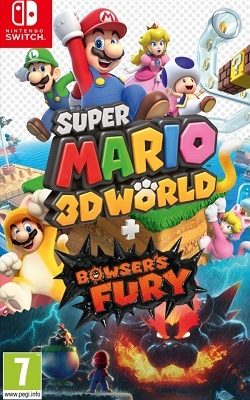
Download your favourite game ROMs for Nintendo Switch, PSP, PS2, PS3, PS4 and PS5 for console and emulators such as Ryujinx, PPSSPP, PCSX2, RPCS3 and more.
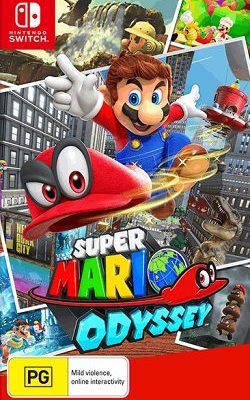
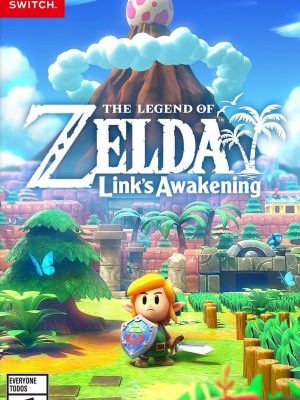
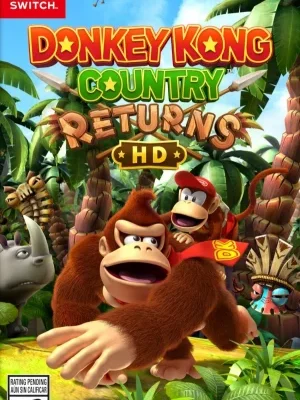
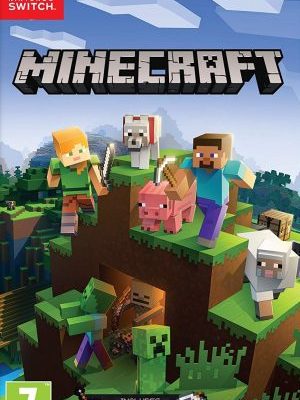
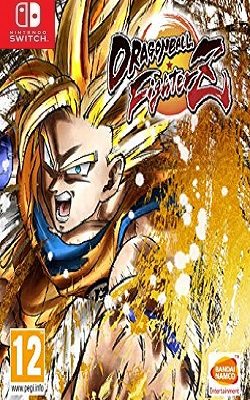

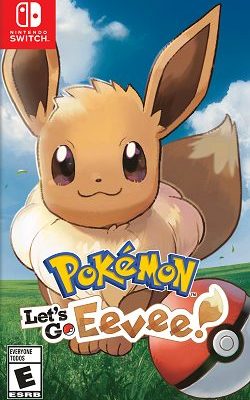
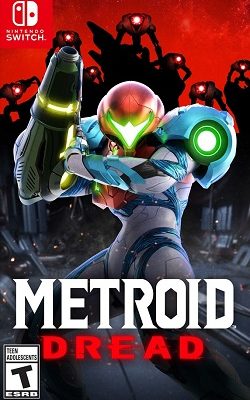

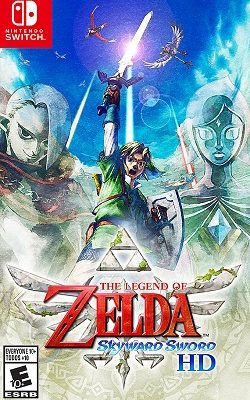
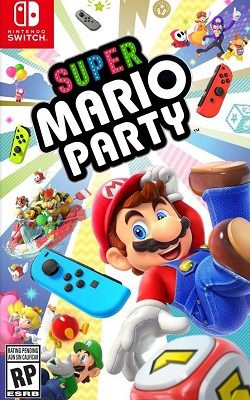
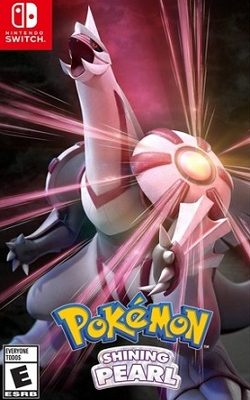
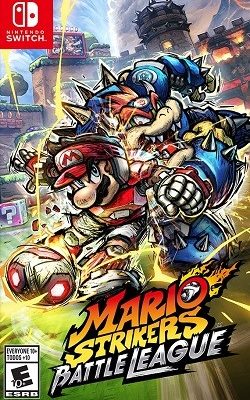
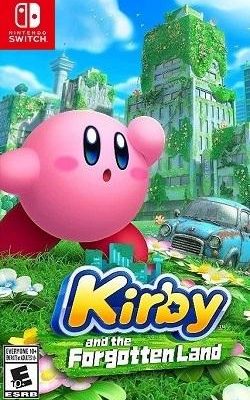
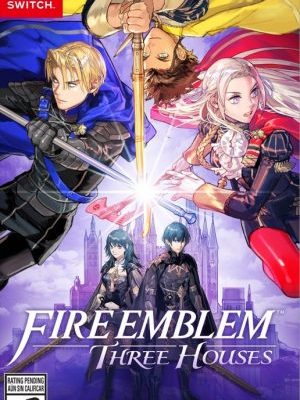
Ryujinx is a Nintendo Switch emulator developed by GDKCHAN that empowers users with a smooth and efficient experience when running ROMs. With a user-friendly and accessible interface, it provides users with intuitive settings and controls. Ryujinx is completely free and compatible with Windows, macOS, and Linux operating systems, opening the world of Nintendo Switch gaming to everyone with satisfactory results.
Yuzu is an experimental open-source Nintendo Switch emulator developed by the Citra team. It is getting more active development based on the C++ programming language. Designed to run on desktops with Windows, Linux and Android operating systems. Yuzu is continuously improved by the development team through new feature additions as well as bug fixes to provide a smooth experience.
If you want to run the ROM on your Android device, we recommend using the Egg NS Emulator application. It is completely free and supports the file formats NSP and XCI. With its user-friendly interface, it will make it easy for all users. You can play your favorite Nintendo Switch games on your Android device with the highest graphic quality.
The Suyu emulator is an open-source Nintendo Switch emulator designed to run on PC and Android devices. It allows users to play Nintendo Switch games without the need for the original hardware. Distributed under the GNU General Public License, it aims to provide accessibility to copyrighted games for educational purposes. Users should only use the Suyu emulator with legally obtained game files.
PPSSPP is a free, open-source PlayStation Portable emulator. It runs PSP games in HD on Windows, macOS, Linux, Android and iOS, with save states, texture scaling and customizable controls.
PCSX2 is a free, open-source PlayStation 2 emulator for Windows, Linux and macOS. It supports upscaling to high resolutions, widescreen patches, save states and a large share of the PS2 library.
RPCS3 is a free, open-source PlayStation 3 emulator and debugger for Windows, Linux, macOS and FreeBSD. It needs a reasonably powerful PC and the official PS3 firmware, which is installed separately.
shadPS4 is an early-stage, open-source PlayStation 4 emulator for Windows, Linux and macOS. Compatibility is still limited, so check the official compatibility list before downloading a game.
On this website you can easily search and download games for Nintendo Switch, PSP, PS2, PS3, PS4 and PS5. Use the search box (and its platform filter) to find what you are looking for, or browse by platform and category.
Free, simple, and reliability.
Nintendo ROM allows you to download ROM files without malware as the basis for providing a quality service. We ensure that all unnecessary components are set to optional to make those ROM files clean and safe.
No. Nintendo ROM is completely free and always will be free. We will try to maintain this project by working as a team. If you love the project and wish to be a part of it, send us a message to get information.
Nintendo ROM always provides complete and updated ROM files from trusted ROM resource sites or sources and improves them over time. You need to download the catalog of Game ROMs and Emulators using the Platform or the tutorial as well as the latest information.
You browse the available search for your favorite game ROMs, and then use an emulator. It is all simple.